comark-email
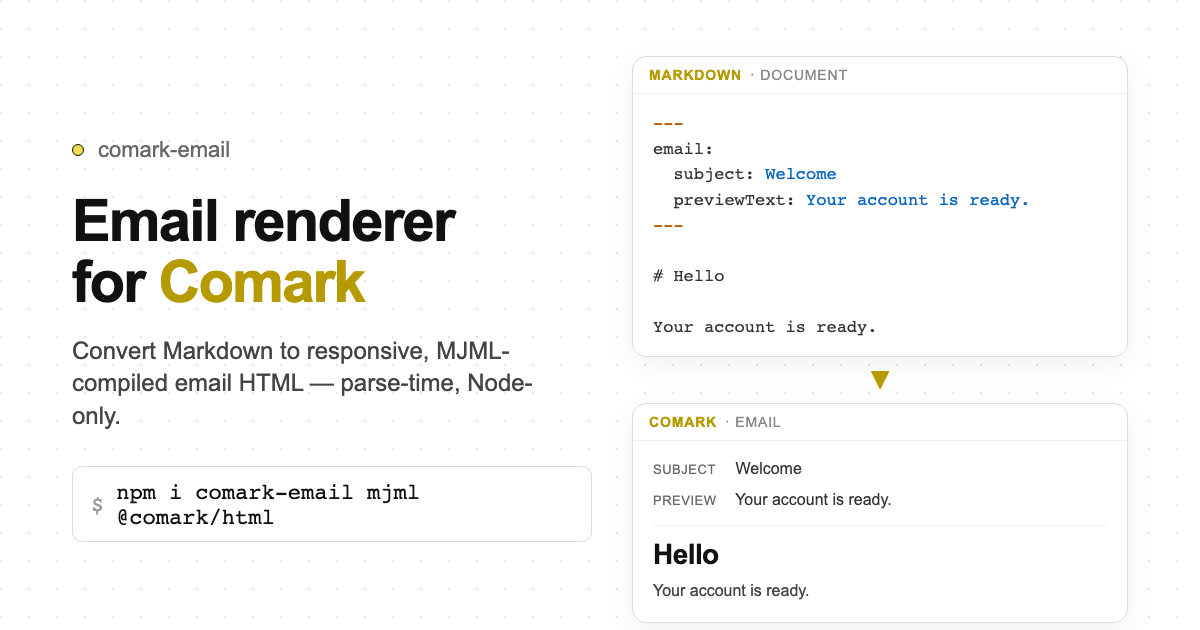
Email renderer for Comark. Convert Markdown to responsive, MJML-compiled HTML for email clients.




Node.js only. MJML compiles on the server. Do not import comark-email in browser-only bundles.Install
pnpm add comark-emailcomark and @comark/html are peer dependencies. mjml is a dependency.
Usage
Render to email HTML
import { renderEmail } from 'comark-email'

const { html, text, subject, previewText } = await renderEmail(`
---
email:
  subject: "Your order has shipped!"
  previewText: "Track your package delivery status."
  brandColor: "#0066cc"
---

# Order Shipped

Your order is on its way.

::email-button{href="https://example.com/track" background-color="#0066cc" color="#ffffff"}
Track Package
::
`)

// Pass html directly to your email provider
await sendEmail({ to: user.email, subject, html, text })
Reusable renderer
import { createEmailRenderer } from 'comark-email'

const render = createEmailRenderer({
  email: { brandColor: '#0066cc' },
})

const result = await render(markdownString)
From a pre-parsed document
import { parseMarkdown } from 'comark'
import { renderEmailFromDocument } from 'comark-email'

const doc = await parseMarkdown('---\nemail:\n  subject: Hello\n---\n# Hi')
const { html, subject } = await renderEmailFromDocument(doc)
Frontmatter configuration
---
email:
  subject: "Your order has shipped!"
  previewText: "Track your package delivery status."
  brandColor: "#0066cc"
  theme:
    background: "#f4f5f7"
---
Merge order (last write wins): top-level frontmatter aliases → frontmatter.email → options.email.
Email components
# Send a button

::email-button{href="https://example.com" background-color="#0066cc" color="#ffffff" border-radius="4px"}
Click Here
::

# Multi-column layout

::email-columns
Left column content.

Right column content.
::

# Horizontal divider

::email-divider{border-color="#cccccc"}
::
Components map to native MJML tags: mj-button, mj-section+mj-column, mj-divider. Use MJML attributes directly.
Plugins
Pass plugins from comark or @comark/html via options.plugins and options.components:
import { renderEmail } from 'comark-email'
import math, { Math } from '@comark/html/plugins/math'

const { html } = await renderEmail(markdown, {
  plugins: [math()],
  components: { Math },
})
Custom components unknown to the email renderer are rendered via @comark/html and wrapped in mj-raw.
Exports
| Entry | Exports |
|---|---|
comark-email | createEmailRenderer, renderEmail, renderEmailFromDocument, documentToMjml, documentToText, compileMjml, types |
comark-email/render | renderEmailFromDocument, documentToMjml, documentToText, compileMjml, documentToMjmlJson, serializeMjml |
comark-email/config | resolveEmailConfig, buildMjmlHead |